Bringing your apps closer to your browser workflow
Google Play Chrome is a free utility tool that connects the Google Play ecosystem with your browser, allowing users to browse, install, and manage apps directly from Chrome. It sits in the productivity and app management genre, focusing on convenience rather than replacing mobile functionality.
Top Recommended Alternative

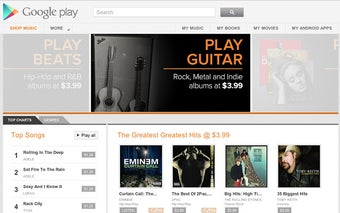
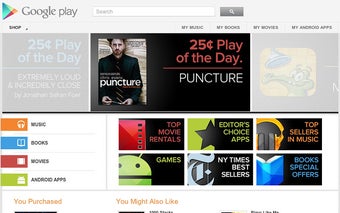
Instead of installing apps on your computer, Google Play Chrome acts as a bridge that sends installations to your linked Android devices. This creates a browser to device sync experience that simplifies how users interact with the Play Store. Visually, it mirrors the familiar Google Play layout.
From browsing apps to managing installs remotely
As an extension, the Google Play Chrome extension focuses on quick access and remote management. Users can search for apps, read descriptions, and trigger installations without picking up their phone. This results in a remote app installation system that works seamlessly once devices are linked to the same account. It reduces the need to navigate the Play Store on smaller screens, making browsing more comfortable on desktop.
This browser extension does not try to replace the Play Store but instead extends it into a different environment. This makes it useful for discovering apps and managing installations across multiple devices. At the same time, its purpose is narrow, and it lacks deeper features like full app management or direct usage on desktop. For users who frequently install apps, it provides a quick and practical way to handle tasks.
Since it relies on your browser, performance is tied to Chrome’s responsiveness, which generally keeps the experience smooth. Media previews and app demonstrations load properly when needed. This creates a desktop browsing convenience that enhances how users interact with apps. However, the extension does not allow apps to run directly on desktop, which leads to a limited desktop functionality experience.
A handy browser companion for easier Play Store access
Google Play Chrome works best as a lightweight convenience tool for users who want to browse apps on a larger screen and send installations straight to their Android devices without extra steps. Its value comes from making the Play Store feel more accessible within a desktop browsing routine. However, its role is clearly limited, since it cannot run apps directly on a computer or replace deeper mobile app management.